Standard Industrial LCD Sizes Compared: 5, 7, 10.1, 12.1 and 15 Inch
Views: 396Author: Site EditorPublish Time: 2026-09-14Origin: Site
The industrial display market has settled on a small set of sizes, and that is good news for anyone specifying a panel: tooling, enclosures, brackets and touch options already exist around them. The five sizes that come up most often in equipment design are 5, 7, 10.1, 12.1 and 15 inch.
This comparison covers what actually differs between those classes — resolution, mounting, brightness, touch, interfaces and lifecycle risk — so you can pick a class before you pick a part number.
Why these size classes dominate industrial designs
These five sizes persist because each one maps to a common enclosure and viewing distance. A 5-inch panel suits a handheld or DIN-rail device viewed at arm's length. Seven inches is the classic machine panel size. 10.1 and 12.1 inches serve operator stations and instrument fronts where more content must fit. Fifteen inches appears in control-room and kiosk formats where the display is the main interface.
The commercial effect is availability. Because many suppliers build in these sizes, second sources are easier to find, tooling is amortised, and mounting patterns repeat across generations. Choosing an unusual size for cosmetic reasons removes most of that advantage.
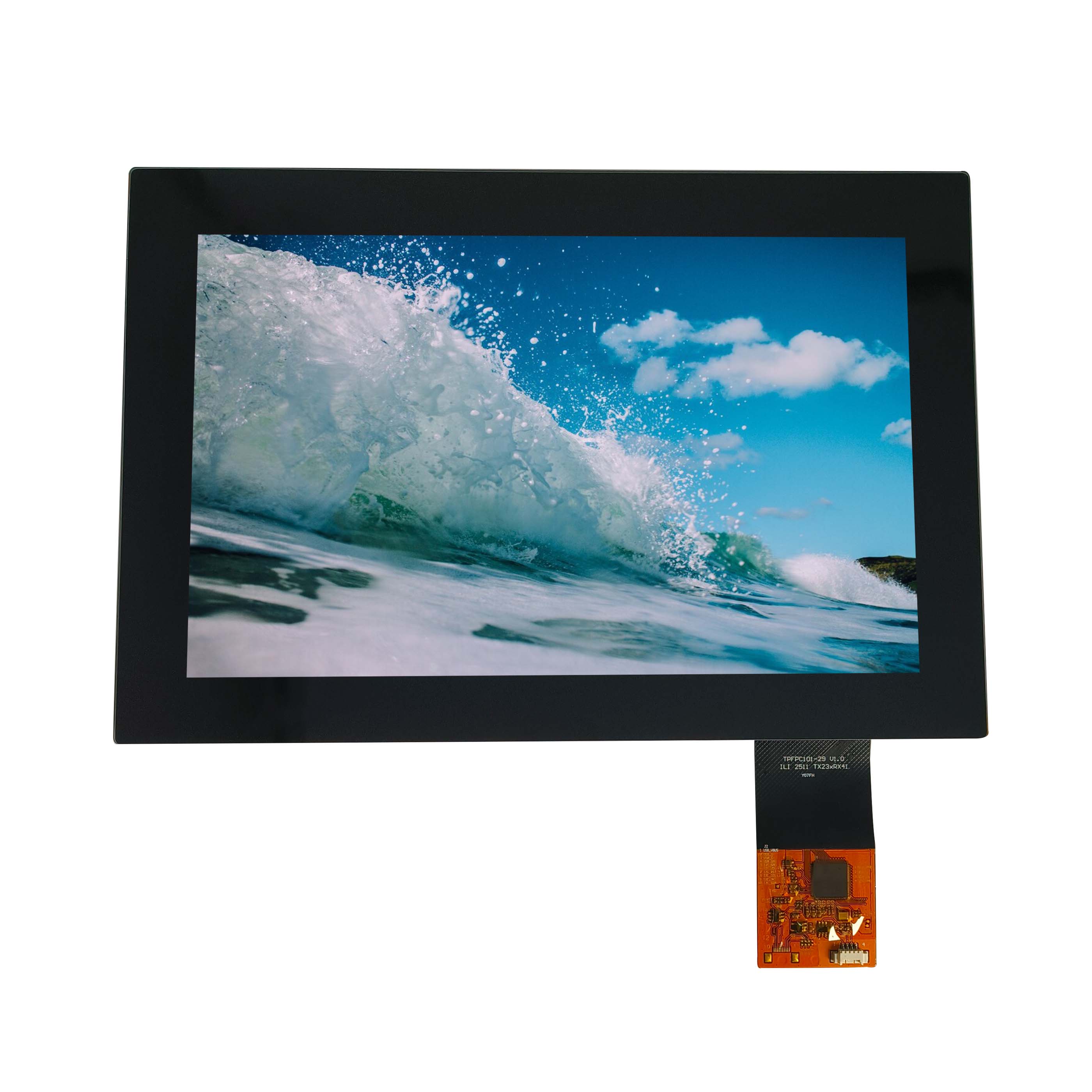
CDTech's 10.1-inch display range is representative of how these classes are offered: several resolutions and interface options inside one physical size.
Resolution options by size class
Availability is the other half of the comparison. A size and resolution pair that exists today may have several suppliers behind it or only one, and the difference shows up when a programme needs a second source or a replacement three years into production. Checking how many suppliers produce a given size and resolution, and whether the same format appears across more than one panel family, is a quick way to judge how safe that class is for a long-lived product. The answer is usually obvious once the question is asked, and it is much easier to act on before the enclosure is designed around a particular size.
Resolution availability tightens as panels get smaller and loosens as they get larger, but not evenly.
At 5 inches, the practical options run from 480x272 and 800x480 up to 1280x720 in the higher-density versions. At 7 inches, 800x480 and 1024x600 remain the workhorse resolutions, with 1280x800 available where the interface needs the extra width. At 10.1 inches, 1024x600, 1280x800 and 1920x1200 all appear. At 12.1 inches, 1280x800 and 1024x768 are common, and at 15 inches 1024x768 and 1280x1024 dominate, with Full HD available in newer designs.
That progression matters because interface content scales with area, not diagonal. Moving from 7 inches at 1024x600 to 10.1 inches at 1280x800 gives roughly twice the usable interface area, which is often what a design actually needs when an operator interface has outgrown its layout.
Mounting and enclosure consequences
Mounting patterns and bezel geometry change with size, and they are the most expensive thing to get wrong late. Small panels are often mounted by their own frame or a holder; mid-size panels usually mount to a metal sub-frame that also carries the touch glass; large panels add structural requirements because the module's own stiffness is no longer enough to keep it flat.
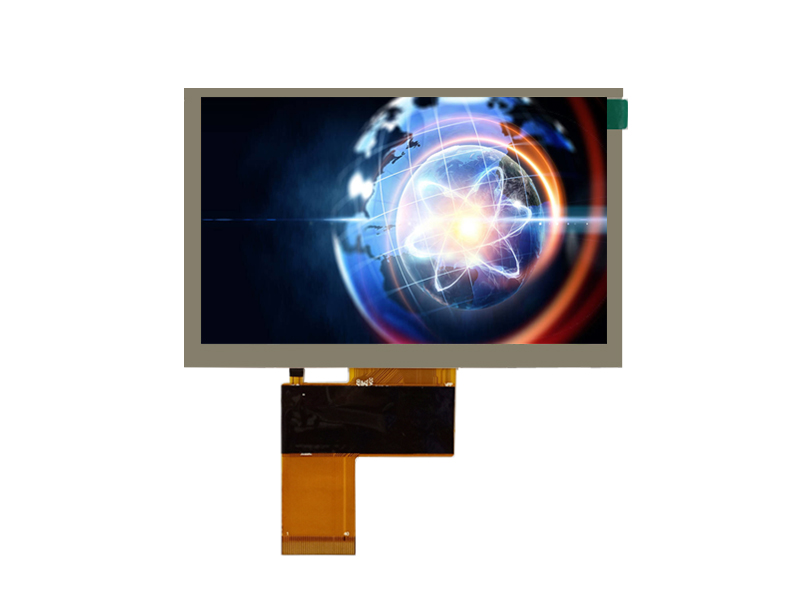
A 5-inch module: at this size the enclosure, not the panel, usually sets the limit on usable screen area.
Two practical rules: leave room for the panel to expand thermally, and do not rely on the display's own frame to stiffen the enclosure. Both mistakes show up later as uneven backlight uniformity or as mura around mounting points.
Brightness and temperature availability
Wide temperature and high brightness options are not equally available at every size. Small panels often have the widest choice of high-brightness variants because they are used outdoors in handheld and vehicle applications. Mid-size panels offer good industrial temperature ranges with fewer extreme-brightness options. Large panels tend to have the narrowest selection of wide-temperature parts.
If your product must operate below -20 °C or above 70 °C, check availability in the size you prefer before finalising the enclosure — it is common for a design to move one size class because the required temperature range only exists there.
Touch and glass availability by class
Touch options follow the same pattern. Resistive touch remains available across all five sizes and is still chosen for gloved or stylus operation. Projected capacitive (PCAP) touch is widely available from 5 inches upward, with multi-touch standard in the mid and large classes. Optical bonding is offered more often in the mid-size range, where the cost is easier to justify against the improvement in contrast.
Cover glass thickness and surface treatment choices also broaden with size: 15-inch panels are more likely to be supplied with anti-glare or anti-reflective treatment because reflections become more visible over a larger area.
Interfaces by size class
Small panels favour RGB parallel, SPI and MIPI interfaces because they pair with embedded controllers. Mid-size panels are dominated by LVDS and RGB, with MIPI DSI appearing where a mobile-class processor is used. Large panels increasingly use LVDS and embedded DisplayPort, and Full HD versions usually need the higher-bandwidth options.
The interface is the constraint that most often forces a size decision rather than the other way round: if your platform only supports a single LVDS link, the practical ceiling is usually in the 10 to 12-inch range at moderate resolution.
Weighing lifecycle risk across the size classes
Lifecycle risk is not uniform. The most established classes — 7 inches at 800x480, 10.1 inches at 1280x800, 15 inches at 1024x768 — have deep supply chains and long histories. Newer densities inside the same physical sizes carry higher obsolescence risk because fewer suppliers build them and demand is thinner.
A useful habit is to ask two questions for every candidate: how many suppliers currently build this exact size and resolution combination, and what the previous generation of that combination was replaced by. If the answer is “only one supplier” or “there was no previous generation”, plan a second source from the start.
Moving up or down a size class
The cost of a size change is rarely in the panel. Redesigning the front plate, re-routing the cable and re-qualifying the touch stack usually cost more than the difference in unit price between two panel classes. That asymmetry is why it pays to choose the size class against the product's full planned lifetime rather than against the first version.
The cost of a size change is rarely in the panel. Redesigning the front plate, re-routing the cable and re-qualifying the touch stack usually cost more than the difference in unit price between two panel classes. That asymmetry is why it pays to choose the size class against the product's full planned lifetime rather than against the first version.
Moving down is easier mechanically and harder visually; moving up is the reverse. Reducing size usually means redesigning the interface layout, because the content does not shrink gracefully — text becomes unreadable before the layout breaks. Increasing size often means changing the enclosure, the mounting sub-frame and sometimes the touch stack, while leaving the software almost untouched.
If a product line will need both a compact and a full-size variant, design the interface to a common safe area and treat the two panels as two renderings of the same layout. That decision costs almost nothing at specification time and saves a rewrite later.
Choosing between two close sizes
The hardest calls are between neighbours: 10.1 against 12.1 inches, or 7 against 10.1. Three tie-breakers usually decide it. First, viewing distance: if the operator stands at the machine, the smaller panel is usually right. Second, content: count the elements that must be visible simultaneously without scrolling. Third, enclosure volume: if the cabinet is already tight, the smaller panel wins even when the interface would prefer more room.
Where the choice remains genuinely balanced, prefer the size with the longer and broader supply history.
Deciding the size class for a new programme
Work in this order: viewing distance and environment first, then the content the operator must see at once, then the interface your platform can drive, and only then the enclosure. That sequence keeps the decisions that are expensive to reverse at the end rather than the beginning.
Size class
Typical resolutions
Usually chosen for
Watch out for
5 inch
480x272 to 1280x720
Handheld, DIN-rail, instrument fronts
Limited room for dense interfaces
7 inch
800x480, 1024x600, 1280x800
Machine HMI, panel-mounted controls
Deep availability, but limited vertical content
10.1 inch
1024x600, 1280x800, 1920x1200
Operator stations, instruments, kiosks
Wide choice can hide shorter lifecycle parts
12.1 inch
1280x800, 1024x768
Industrial monitors, control desks
Enclosure and mounting redesign from smaller sizes
15 inch
1024x768, 1280x1024, Full HD
Control rooms, kiosks, public terminals
Structural support and reflections
If you are choosing between two of these classes for a specific product, send us the viewing distance, environment and interface and we will confirm which combination is currently available with the temperature and brightness you need.
Frequently asked questions
Is 10.1 inch the same as 10.4 inch?
No. They are different panel formats with different resolutions and mounting. Older 10.4-inch designs used 800x600 or 1024x768; 10.1-inch panels are usually 1280x800 or 1024x600. Treat them as separate classes when planning a replacement.
Can a 7-inch panel be replaced by a 10.1-inch panel without changing the enclosure?
Rarely. The cutout, mounting pattern and connector position all change. The software often survives, but the mechanical design usually does not.
Which size class has the longest lifecycle?
The established resolutions within each class, not the class itself. A 7-inch 800x480 or 10.1-inch 1280x800 panel typically has a longer supply history than a newer density in the same physical size.