1280x720 in Embedded Displays: Why the Resolution Keeps Winning Designs
Views: 201Author: Site EditorPublish Time: 2026-10-03Origin: Site
Design teams keep returning to 1280x720 resolution for embedded products even when a higher count is available at a similar price. The reason is not nostalgia or habit. It is the point where the interface cost, the aperture, the processing load and the panel supply curve cross, and where the content most industrial products actually display stops needing more pixels. Understanding where that crossing sits is what makes the format decision defensible in a design review.
Why is 1280x720 resolution still chosen?
It sits where cost and detail cross.
At typical embedded sizes, 1280x720 delivers enough detail for text, charts and video while keeping the pixel clock, the lane count and the backlight power inside an enclosure's budget.
The format also arrives with a mature supply base, because the same resolution is used across consumer and industrial panels, which spreads tooling and keeps the price per square metre low. The combination matters more than any single advantage: a higher resolution panel may cost the same at the glass, but it forces a faster interface, a heavier processor load and more backlight current for the same brightness, and each of those has a cost outside the panel line of the bill of materials. Teams that compare only the panel price miss the larger part of the comparison.
Where does the resolution figure sit in a specification?
Before the interface, never after.
Native resolution has to be agreed before the interface, because the pixel clock it implies determines the lane count, the connector and the processing load that follow.
A 1280x720 panel at 60 Hz needs roughly 74 MHz of pixel clock including blanking, which a single LVDS link or a two-lane MIPI link carries comfortably. Move to a wider format at the same frame rate and the clock rises with the pixel count, often pushing the design from two lanes to four, or from a single link to a dual link, with the connector and board area changing with it. Version 1.3 of the MIPI DSI specification and the published application guidance for LVDS links both describe the lane-rate and skew budgets that make the calculation concrete, and the packet structure that sits on top of the physical link is defined in the MIPI DSI specification.
How does the pixel clock reach the rest of the design?
Through the connector, the cable and the thermal budget.
The pixel clock is rarely the constraint on its own; what constrains the design is everything that follows from it, including the connector size, the harness length that can still be driven and the current the backlight needs to reach the target luminance.
Three effects appear in practice. A higher clock shortens the practical cable length at a given cable quality, so a product that needs a remote display may find itself adding a bridge or choosing a different interface. A higher pixel count reduces the aperture ratio of each pixel, so the same backlight produces less luminance and more heat inside a sealed enclosure. And a higher count raises the load on the host, which matters in a product where the same processor runs the application logic. The format decision is therefore a systems decision, and it belongs in the architecture review rather than in the panel sourcing conversation.
Specification points that decide the outcome
Five entries settle the format.
For an embedded display the entries that settle 1280x720 against a neighbour are the smallest feature the operator must read, the viewing distance, the interface and lane budget, the luminance target with its thermal consequence and the panel supply position.
What changes when the format moves up one step at the same viewing distance.
Entry
1280x720 at 60 Hz
Wider format at 60 Hz
Approximate pixel clock
Around 74 MHz including blanking
Higher, roughly with the pixel count
Typical interface
Single LVDS link or two MIPI lanes
Dual link or four lanes
Connector and board area
Modest
Larger, more layers, more EMI work
Transmittance
Higher aperture per pixel
Lower aperture for the same backlight
Supply position
Widely produced
Narrower, more roadmap dependent
The table also explains why a resolution upgrade often turns into a redesign rather than a substitution: four of the five rows are outside the panel. Measurement conventions for the luminance rows follow the publications of the International Commission on Illumination and the traceability practice of NIST.
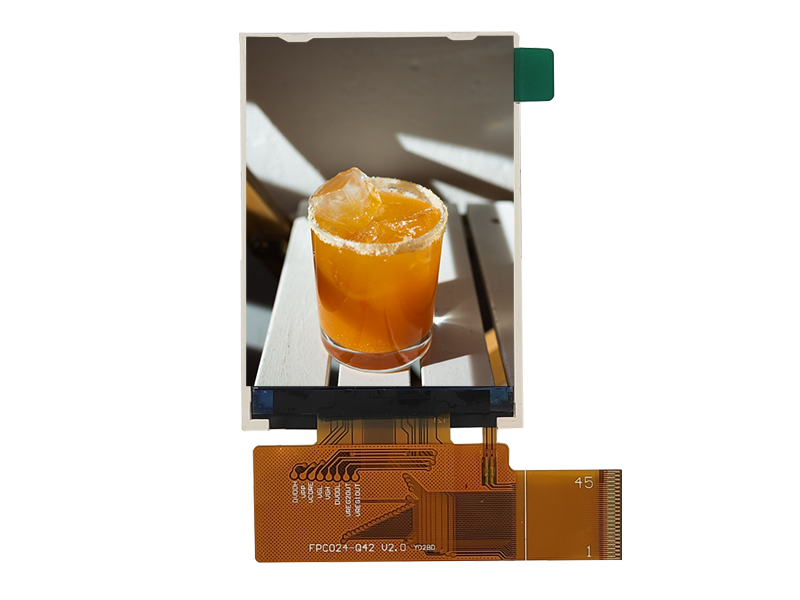
A compact module offered with RGB and MIPI options. The resolution chosen sets the pixel clock, and the pixel clock sets the interface. Source: CDTech industrial display range.
How does sourcing change with the format?
Wider formats narrow the supply base.
1280x720 panels come from many fabs because the format serves several markets at once; wider or non-standard formats usually come from fewer lines, so the approved list shortens and the product life becomes tied to one roadmap.
The commercial consequence is that a mainstream format is easier to keep in production for a decade, and easier to second-source if it is not. Where a product genuinely needs a wider format, the availability plan should be written before the design freezes rather than after the first notice, because a late substitution in a non-standard format usually means re-qualifying the panel, the timing controller and the mechanical stack together. Panel capacity and product-life movements across the industry are tracked by research houses such as TrendForce, and the module assembly expectations follow IPC workmanship practice.
Common misreadings of the resolution decision
Three comparisons mislead.
The first is comparing resolution without the physical size, which hides the pixel density that actually decides legibility. The second is assuming that a higher count improves text, when character height in millimetres at the viewing distance is what the reader experiences. The third is treating the panel price difference as the cost of the upgrade, when the interface, connector, processing and thermal consequences usually exceed it.
A fourth misreading is subtler: teams sometimes choose a higher resolution to gain headroom for future content, then discover that the panel they selected has a shorter production life than the one they rejected, which converts a feature decision into a supply risk. The safer construction is to state the smallest feature the operator must read and the distance, then let the arithmetic pick the format, and to check the supply position of the chosen format before the design freezes rather than after.
What should you verify before design freeze?
Bring-up at the production clock, on the real harness.
Before freezing, verify that the interface carries the production pixel clock over the production harness length with the production connector, in the enclosure, at both temperature corners.
Three supporting checks belong in the review. Confirm the backlight current against the thermal model rather than against the datasheet maximum, because a higher pixel count lowers aperture and raises the current needed for the target luminance. Confirm that the firmware scales content to the native resolution rather than relying on interpolation, which softens text. Confirm that the panel's identification and the qualified-item list are recorded, so a later substitution can be evaluated against the same conditions, with the electrical safety context for the subassembly set by IEC 62368-1 where it applies.
Long-term availability for a mainstream format
Mainstream formats are the cheapest to keep alive.
A widely produced format gives the buyer options that a niche format cannot: several fabs, several pin-compatible panel families and a realistic second-source path, so the lifecycle plan is about scheduling rather than about redesign.
That advantage is worth protecting deliberately. Name the panel, the timing controller and the front stack as separate qualified items, and record for each what happens at end of life: the notice period in writing, a last-time-buy quantity tied to the forecast, and a named alternative that has been evaluated for optical performance rather than only for fit. Where several panel families share a pinout, qualify a second one early, while the first is in healthy supply, because the qualification is far cheaper then. A second-source exercise carried out as routine engineering is what keeps a mainstream format cheap for the whole service life, and it is the practical reason 1280x720 keeps winning designs.
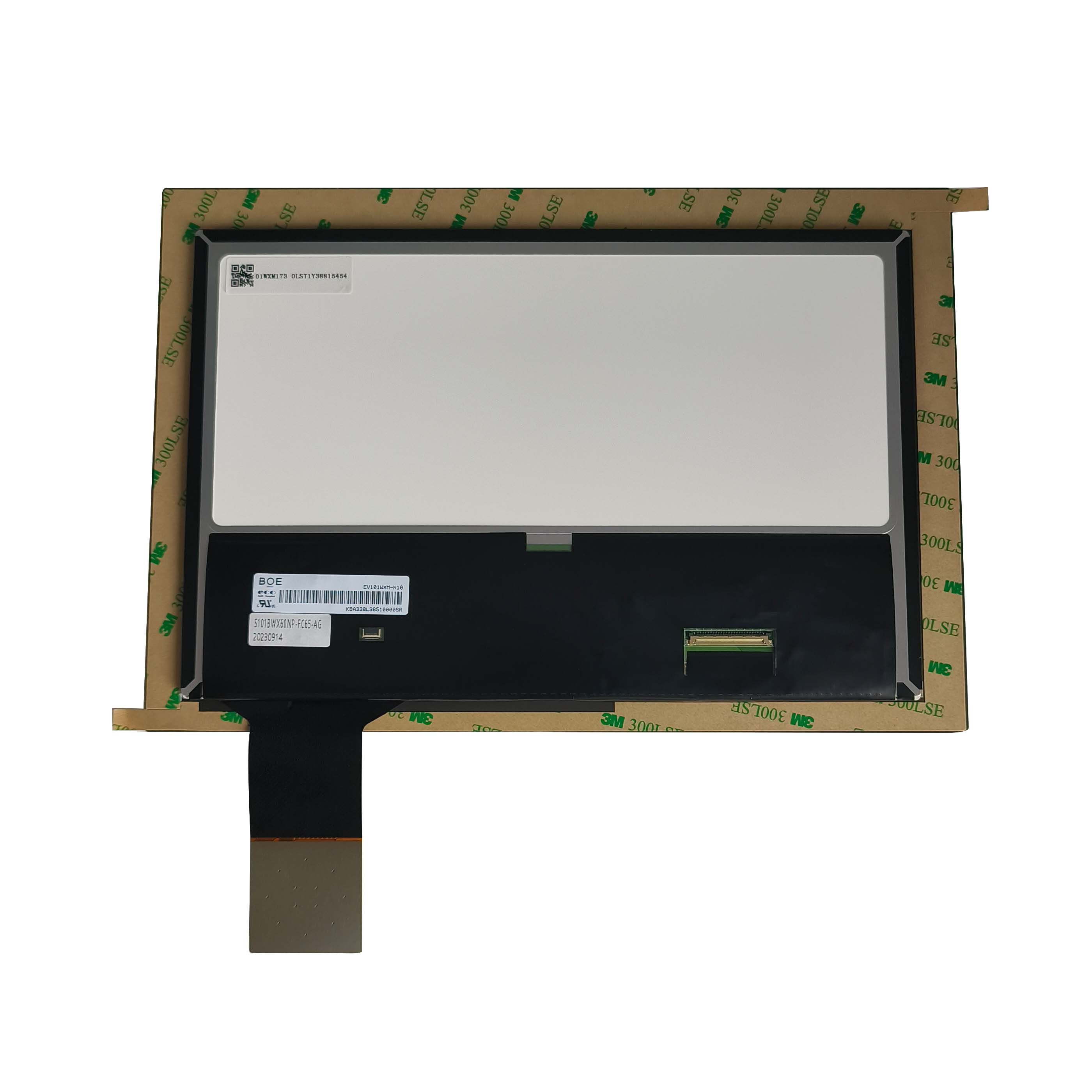
A panel at the size where the format decision is usually made. Native resolution is agreed before the interface, because the pixel clock follows from it. Source: CDTech industrial display range.
FAQ
Is 1280x720 enough for an embedded display?
For most embedded interfaces it is, because legibility depends on character height in millimetres at the viewing distance rather than on the pixel count alone. Where the operator must read small detail at close range, a higher count helps; where the content is a chart or a label, it usually does not.
What interface does a 1280x720 panel need?
At 60 Hz the pixel clock is roughly 74 MHz including blanking, which a single LVDS link or a two-lane MIPI DSI link carries comfortably. Wider formats at the same frame rate usually need a dual link or four lanes, with the connector and board area changing accordingly.
Does a higher resolution make the display brighter?
No, the opposite. A finer pixel structure has more opaque wiring and a smaller aperture per pixel, so transmittance falls and the backlight has to work harder for the same luminance, which raises the current and the heat inside the enclosure.
Why is 1280x720 easier to keep in production?
Because the format serves several markets, so more fabs produce it and several panel families share similar timing and pinouts. That gives a buyer a realistic second-source path and a longer expected production window than a niche format.
Next step
Send the smallest feature the operator must read, the viewing distance and the interface budget to CDTech; the reply will state which resolution and panel family fit and what the interface has to carry.