Copyright © 2020-2021 Shenzhen CDTech Electronics LTD. All rights reserved. Site Map Powered by iwonder.cn

display / touch / bonding solutions
display / touch / bonding solutions
Before you clean an exposed LCD polarizer, confirm the front layer and check the exact module’s handling instructions. Remove loose dust only with an approved method. Use a cleaner on fingerprints or residue only if the supplier specifies it for that surface, and stop if you see haze, a lifted edge, or an unconfirmed mark.
Last updated:
To clean an exposed LCD polarizer, first match the module revision to its handling instructions. Remove dry dust with the approved process. Clean fingerprints only with a wipe or cleaner specified for the exposed layer, and set the module aside if you cannot confirm the material or identify the mark.
Check the exact part revision and the assembly stage. A module on a bench may have its polarizer exposed while the finished unit from the same program has a cover lens. Match the instruction to the surface the operator can actually reach. CDTech’s protective film removal guide explains how to recognize a removable layer and its pull tab. Its AR-coated screen cleaning guide addresses a different surface.
With power off, support the module at the permitted handling points and look under angled light at the approved workstation. Note whether the mark lies near a film tab, bezel, or bonded edge. Take a reference photo when a mark will influence a cosmetic acceptance decision. Shut down and disconnect the assembly in accordance with its service instructions.
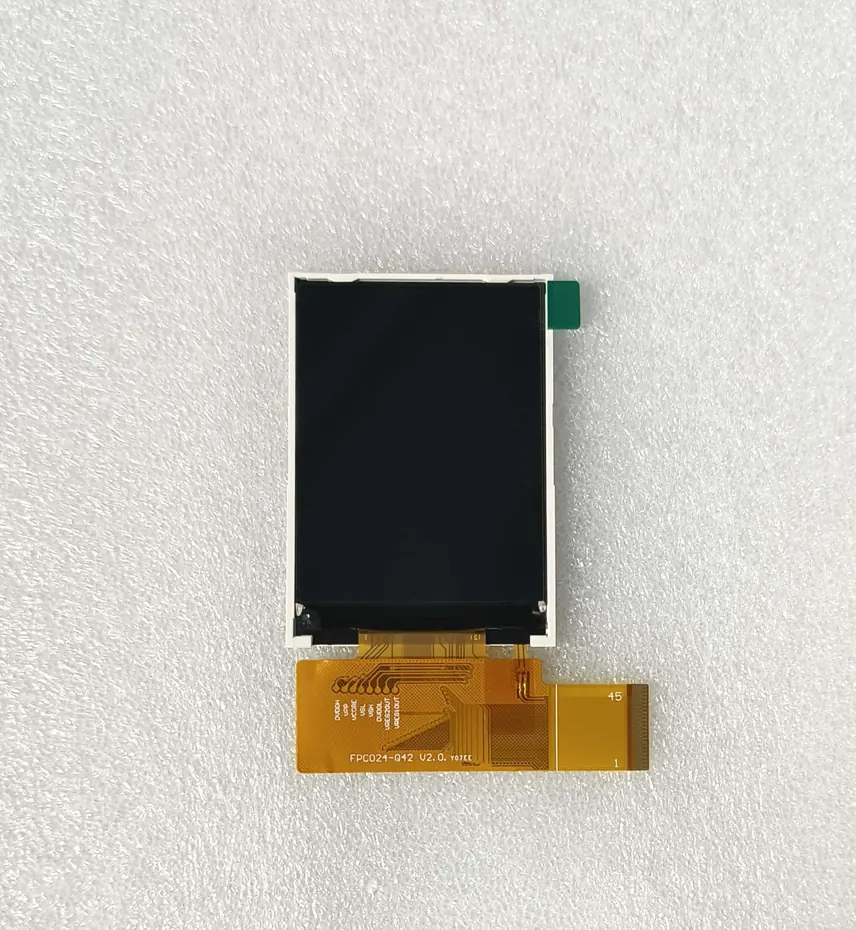
Use the mildest approved method for the mark in front of you. Loose particles call for an approved dust-removal process. Fingerprints need a supplier-approved wipe and, where specified, a compatible cleaner. An unknown residue or lifted edge should go to inspection before an operator tries to clean it.
| What you see | Next action |
|---|---|
| Dry, loose dust | Use the supplier-approved dust removal tool or process. Reinspect before putting a wipe against the surface. |
| Fingerprint or light smudge | Check the approved wipe and any permitted fluid for this polarizer. Apply only as directed and keep moisture away from seams. |
| Tacky mark after peeling a liner | Set the part aside. Confirm whether it is adhesive residue and ask which treatment the supplier permits. |
| Scratch, persistent haze, bubble, or raised edge | Stop cleaning and document the mark for disposition. Avoid extra pressure or more passes. |
Newhaven Display’s product usage guidelines give distinct handling directions for LCD modules and touch panels. A Crystalfontz module datasheet describes a specific cleaning tape and warns against certain liquids for that part. Those instructions belong to the model they describe. At your own station, follow the company’s ESD controls for exposed modules. The ESD Association workstation guidance covers protected work surfaces and personnel grounding.
Inspect the same area under the same lighting after the approved cleaning pass. A removable smudge should improve without new haze, streaks, changes in gloss, or damage at the edge. Keep the panel out of the next assembly step if the mark persists and its cause remains uncertain.
Compare the surface before and after at the same viewing angle. Moving the light can make an old mark disappear from view without removing it. Where your acceptance procedure allows it, compare with an approved reference unit and use its acceptance conditions when deciding whether the mark affects use. Record whether the defect appears on the unpowered face or only in the image during a controlled test.
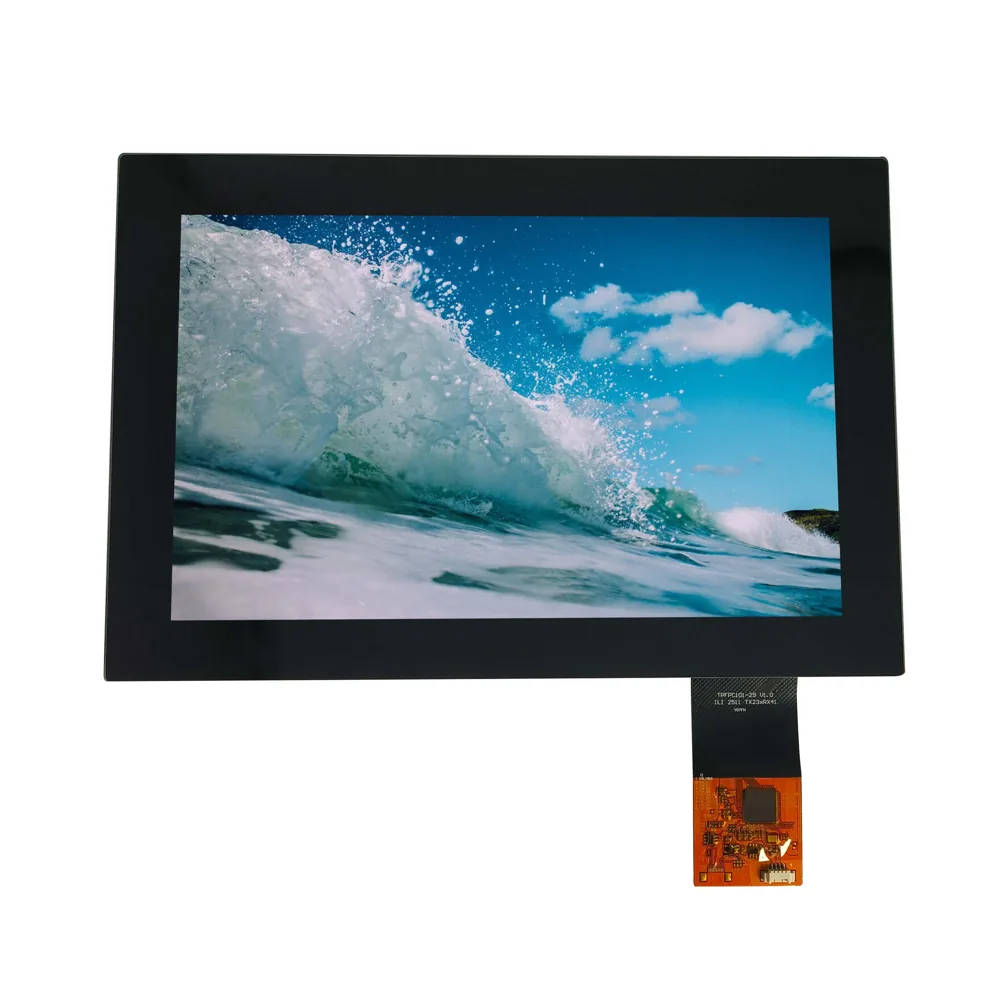
If an operator must repeat the same cleaning job across a lot, sample and inspect according to the work instruction before expanding the process. Provide the module revision, wipe material, cleaner if used, and photographs to quality staff. This gives them enough information to distinguish a recurring packaging mark from damage introduced at the workstation.
The spread of the mark can also guide the decision. A smudge that aligns with a handling point suggests reviewing how operators pick up the module. Parallel marks across several units warrant checking the tray and packing material before anyone cleans the next unit. Keep the original packaging until quality staff have recorded it.
Use alcohol only if the supplier allows it for the exact surface and specifies how to apply it. Cleaner guidance for a cover lens cannot establish compatibility with a bonded polarizer. See Newhaven Display’s surface-specific guidance above.
Set the part aside and confirm the nature of the mark first. Even an apparent liner residue can be next to a delicate optical boundary. Refer to the CDTech film removal guide above for the handling distinctions.
Stop and inspect for abrasion, coating changes, or layer damage. Escalate according to the lot inspection procedure before applying more force or trying a different chemical. See the Crystalfontz module-handling precautions above.
For an assembly work instruction, list the exact module revision, approved supplies, stop conditions, and who can release a rejected panel. This makes the process usable when a different operator sees the same mark on the next shift.
By continuing to use the site you agree to our privacy policy Terms and Conditions.