Copyright © 2020-2021 Shenzhen CDTech Electronics LTD. All rights reserved. Site Map Powered by iwonder.cn

display / touch / bonding solutions
display / touch / bonding solutions
A pull tab on a new TFT module usually marks a temporary shipping film. If you plan to remove LCD protective film on an assembly line, start by checking the handling drawing for the exact module. The front polarizer is part of the display. Pulling up a bonded optical layer can damage the panel.
Last updated:
To remove LCD protective film, identify the removable sheet and its pull tab in the module instructions, prepare a clean static-controlled station, and support the module by its approved handling points. Peel slowly in the direction shown by the supplier. Stop if there is no clear film boundary or if a bonded layer starts to lift.
The shipping film is a removable cover used during handling. The polarizer is a functional part of the LCD. A touch module can also have a cover lens or a permanent surface treatment. A sheet near a corner can look like the shipping film even when it belongs to the optical stack. Use the part drawing, the package label, and the illustrated tab location to identify the removable layer. If a tab is missing, set the part aside and ask for the model-specific instruction.
For background on why the front layer matters, see CDTech’s note on polarizers in resized LCD panels. That work is a separate manufacturing process. It can require controlled tooling and replacement material.
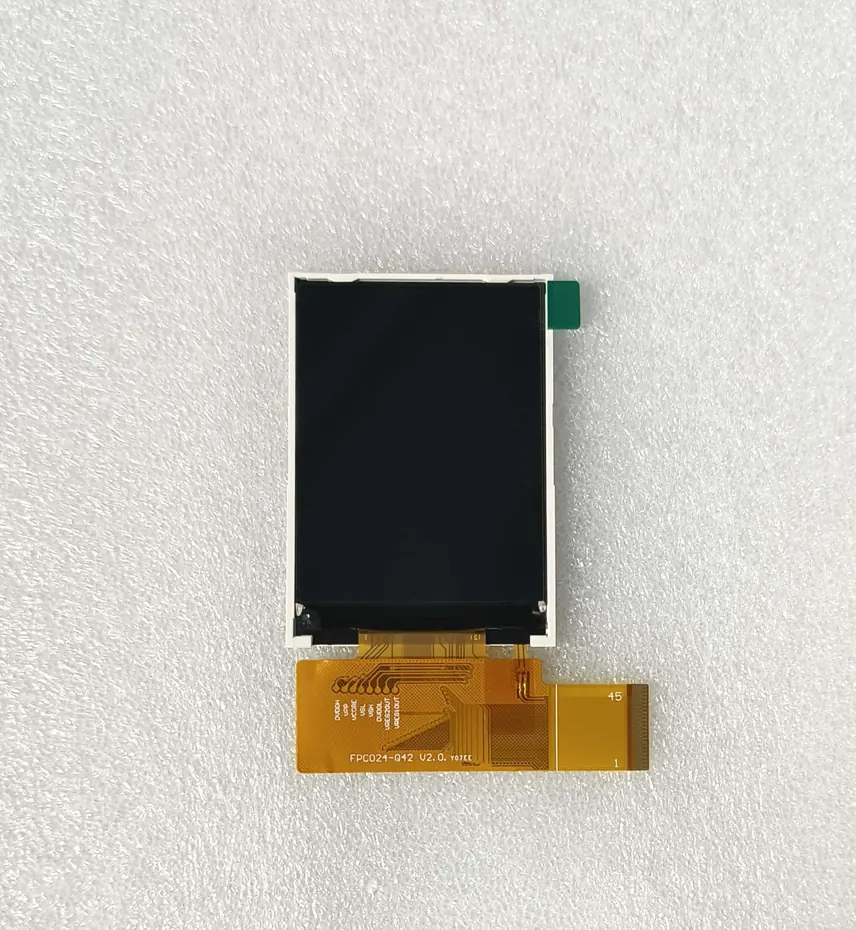
Leave the film in place during handling stages for which the supplier allows it. Choose a removal point that leaves the operator room to support the module and pull the tab without reaching around a sharp enclosure edge. If the bezel traps the tab, remove the film before the bezel is installed. If adhesives or a separate liner are involved, record the sequence in the work instruction so the liners are removed at the appropriate stations.
For inspection, follow the supplier’s method. A scratch on the temporary film can look like damage below it, especially in reflected light. Record whether cosmetic inspection was done through film or after removal. CDTech’s display incoming-inspection checklist covers how to record and escalate borderline findings.
Use the approved ESD workstation and keep loose packaging away from the exposed surface. Pick up the module only at the permitted handling points. Lift from the intended tab and peel slowly without twisting the assembly or pulling on the flex. Crystalfontz’s TFT module handling specification recommends peeling slowly to limit static charge. Follow the instructions for your own module where they specify a different handling method.
Use only equipment approved for the station. The ESD Association workstation guidance describes personnel grounding, work surfaces and ionization. Newhaven Display’s product usage guidelines describe model-dependent handling and mechanical integration precautions. Keep the part at the protected station until the exposed surface is inspected or covered by the approved assembly.
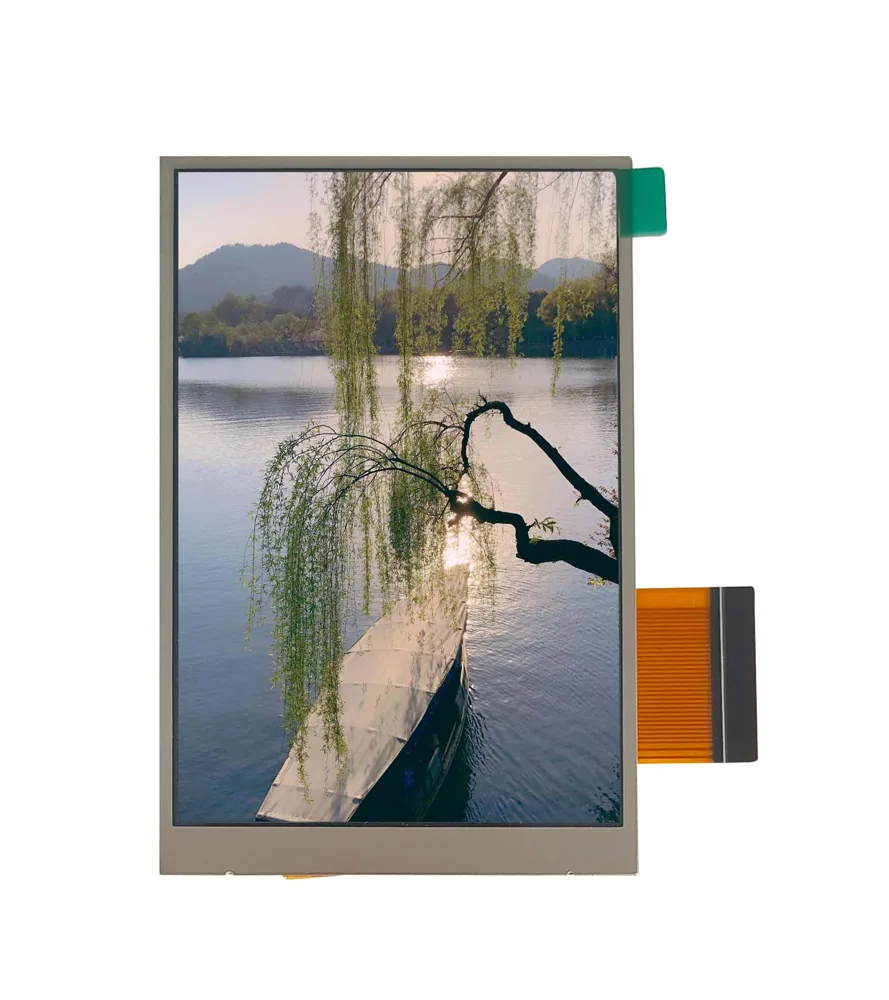
Stop if the peel takes unexpected force, the glass or flex moves, the material tears at the bonded edge, or a boundary stays attached under the cover. Record the lot and part number, photograph the edge, and keep the module in its designated tray. Avoid blades, picks and improvised solvents. A picture of the original tab and the lifted edge helps a supplier distinguish a shipping-film problem from a damaged polarizer.
After a normal peel, look at the screen under the specified inspection lighting. Use the approved inspection pattern if the assembly is ready to be powered. Check for residue, new lines or scratches, and lifting along the edges. Log the before-and-after condition and keep any rejected unit separate from accepted parts.
For a repeatable work instruction, add a photo of the intended tab on the accepted part revision and a photo of an edge defect that calls for escalation. Place them at the inspection station. If a new lot arrives with a different tab color or location, verify the packaging revision with the supplier before changing the instruction.
Follow the agreed inspection plan. If it requires a finished-surface check, decide which samples may be opened and how those samples will be protected afterward. That decision should be made before the lot is unpacked.
Check the approved cleaning method for the exposed layer. Surface treatments, polarizers and cover lenses can have different restrictions. Photograph unfamiliar residue and ask the supplier to identify it before selecting a cleaner.
It is part of the optical stack. Compare the location of the tab and the layer boundary with the part drawing before lifting anything from the front surface.
By continuing to use the site you agree to our privacy policy Terms and Conditions.