Copyright © 2020-2021 Shenzhen CDTech Electronics LTD. All rights reserved. Site Map Powered by iwonder.cn

display / touch / bonding solutions
display / touch / bonding solutions
For LCD cold shipment acclimation, move intact packages to a controlled receiving area and let the modules warm before opening. Use the supplier’s handling instructions and a validated way to confirm the module is above the room’s dew point. Apply a separate release check before powering the module in its specified operating conditions.
Last updated:
Open an intact package after LCD cold shipment acclimation has brought the module above the dew point in the room where it will be exposed. Follow the supplier’s packaging and handling instructions. If those instructions leave the decision to your receiving team, validate a way to check the module temperature for that pack configuration before releasing the lot.
A truck can arrive cold while the receiving room is warm and humid. The outer carton may feel comfortable to the touch while the inner tray and panel are still cold. Use a receiving station away from exterior doors, drafts, and sources of steam. The NOAA explanation of dew point and condensation explains the underlying relationship. The relevant dew point is the one in the room where you will open the package.
Log arrival time, part and lot identifiers, the condition of the outer carton, and the room temperature and relative humidity. If the enclosure, barrier bag, or carton appears compromised, separate the lot for inspection under your receiving procedure. A damp box is useful evidence even when the panel looks clear from the outside.
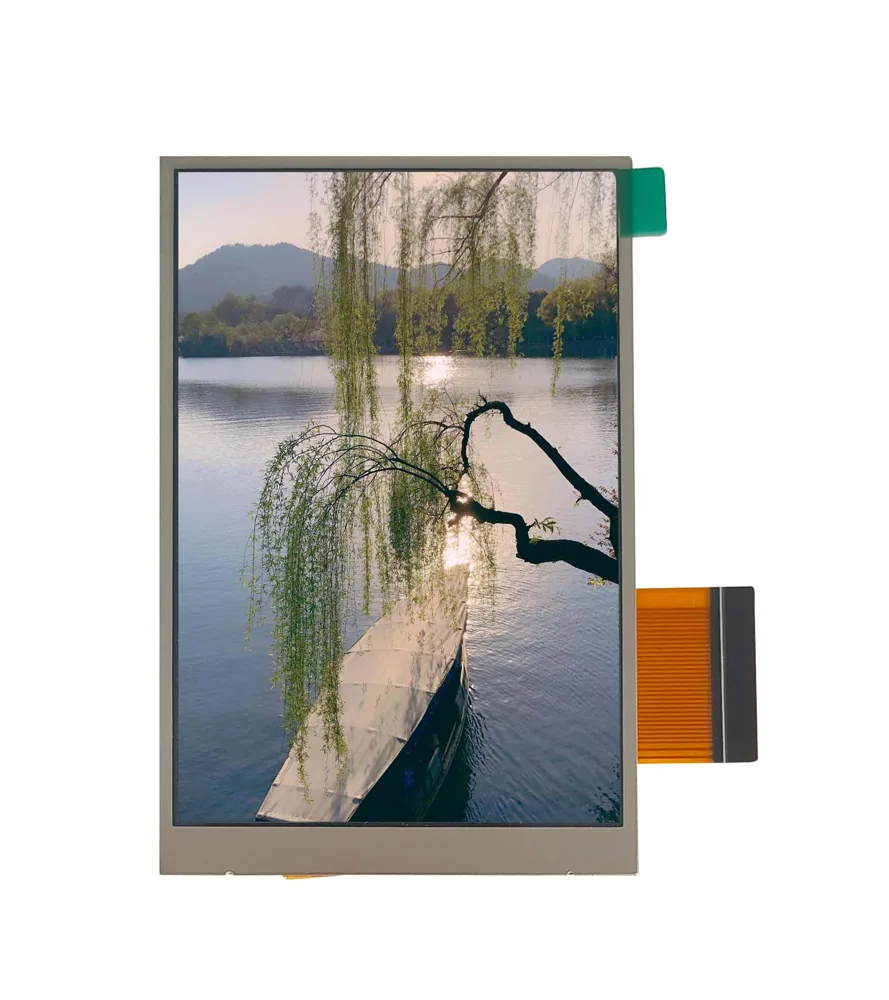
Use an approved shipment logger, a representative instrumented package, or a demonstrated correlation between an accessible reference point and the slowest-warming modules. Establish the correlation with engineering or the supplier. Do not puncture a sealed bag to place a probe on production hardware.
Validate the method with the pack density and stack position you actually receive. A single sample left on a bench can warm faster than trays in the middle of a full carton. If the team uses elapsed time to release shipments, tie that time to the validated load and receiving conditions. Revisit it after changes to the box, tray stack, packing material, or room humidity. Treat a missing logger record as missing evidence if your procedure depends on it.
Newhaven Display’s product usage guidelines explain the risk of condensation on LCD terminals and the need to stay within specified handling temperature limits. CDTech’s explanation of storage versus operating temperature explains why a part allowed to travel cold may still need to warm before a test.
Inspect the panel and packaging at the approved workstation. Follow the station’s static-control procedure for exposed modules. The ESD Association workstation guidance explains how protected work areas control static charge during handling. Release power-up after the module is dry, within its documented operating conditions, and cleared for testing by your receiving procedure. Keep questionable parts unpowered for quality review.
| Finding | Receiving decision |
|---|---|
| Intact package, module temperature still uncertain | Keep sealed and continue acclimation in the controlled area. |
| Intact package, approved release criteria met | Open at the designated workstation and inspect before testing. |
| Damp cartons, droplets, residue, or damaged barrier | Segregate the affected lot, photograph the condition, and request disposition. |
| No moisture visible, operating limits still unmet | Hold the unit for power-up even if unpacking has already been approved. |
Check the lens or exposed face, perimeter, connector area, and tray for moisture or water marks without disturbing the optical stack. Record whether moisture appeared outside the carton, inside the pack, or on the hardware. The distinction helps narrow the investigation and gives the supplier a useful description. CDTech’s incoming display inspection guide covers broader lot-inspection records.
Keep the lot separated if the documented storage limit may have been exceeded. Preserve any available logger history and record the affected positions in the shipment. A dry appearance after warming does not resolve an unknown exposure or replace the supplier’s disposition.
Use a time only after it has been validated for the incoming pack and your receiving conditions. A different tray count, shipment temperature, or room dew point can change when the inner modules are ready. See the NOAA dew-point reference above.
Use the conditioning method approved for the module and packaging. Ask engineering before using direct heat because the temperature at the panel can differ from the surrounding room. For the basis of the temperature limits, see Newhaven Display’s module handling guidance above.
Keep it off, set it aside, and record where the moisture was found. Follow the supplier or quality team’s release instructions before any test. See the Newhaven Display product usage guidelines above.
Build the release check around the exact module and pack. Record who cleared the shipment, how conditions were verified, and which samples were tested. Send the part number, lot record, and photographs to the supplier when the team needs a disposition.
By continuing to use the site you agree to our privacy policy Terms and Conditions.