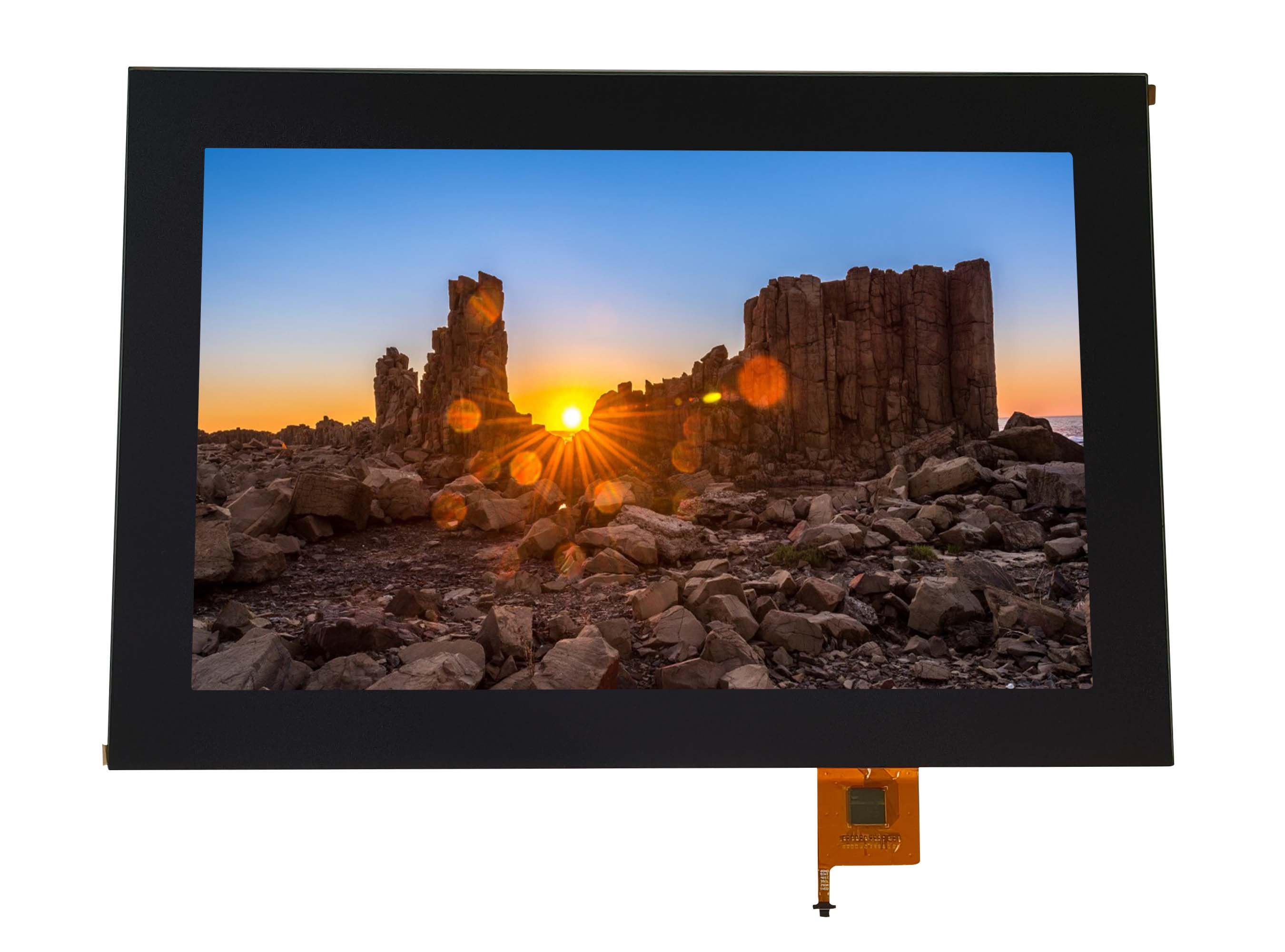
LCD display screens are widely installed in factory terminals, agricultural
machinery, outdoor control panels, medical carts, and field instruments. These
places share the same challenge: the air is full of dust, the environment is
humid, equipment is washed with water, and condensation forms when temperatures
change. Under these conditions, touch performance often becomes unstable long
before the LCD itself shows any problem.
False touches, drifting coordinates, intermittent response in the morning,
or complete failure after cleaning are common field complaints. These issues are
not random defects. They come directly from how capacitive touch technology
interacts with water, dust, and moisture.
Why Dust and Water Easily Disturb Capacitive Touch
Most LCD touch screens today use projected capacitive (PCAP) sensing. A
grid of transparent electrodes detects tiny changes in capacitance when a finger
approaches the glass. This method is highly sensitive, which is excellent for
user experience but problematic in harsh environments.
Water is conductive. Dust mixed with moisture becomes partially conductive.
Oil mist and chemical residue change the dielectric characteristics of the glass
surface. Condensation creates a thin conductive layer that the controller may
interpret as a finger or multiple touch points. The touch controller cannot
naturally tell the difference between a real touch and environmental
interference unless the system is designed and tuned for it.
This is why screens that work perfectly in offices begin to behave
unpredictably in workshops, farms, and outdoor installations.
Typical Field Symptoms and Their Real Causes
Several failure patterns repeat across industries:
Ghost touches and false triggers happen when moisture or wet dust bridges
sensing nodes, creating artificial capacitance signals.
Touch position drift appears when uneven contamination changes the baseline
capacitance map of the panel.
No response after rain or cleaning often results from water entering from
the edges or cable side, not from the glass surface.
Morning malfunction but normal operation later is a classic sign of
internal condensation formed overnight.
These problems are frequently mistaken for controller defects, while the
real issue is environmental interaction with the touch structure.
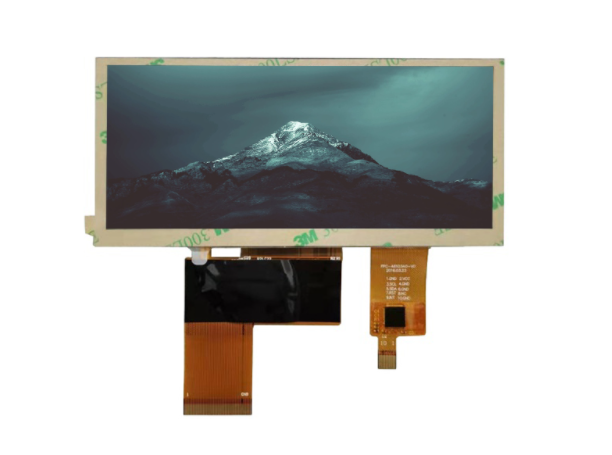
Structural Design Matters More Than the Touch Panel Itself
In dusty and wet environments, the mechanical and optical structure around
the touch panel becomes more important than the panel specification.
Air gaps inside the display stack allow moisture to condense and dust to
accumulate over time. Optical bonding, which fills the gap between the cover
glass and the LCD with a transparent adhesive, removes this internal air space.
This prevents condensation layers, improves structural strength under vibration,
and stops dust from entering the display stack.
The outer surface also plays a key role. Hydrophobic and oleophobic
coatings prevent water films from forming. Anti-glare etched glass breaks up
continuous moisture layers that would otherwise conduct electricity across the
surface. Chemically strengthened glass resists scratches where dust can
accumulate.
Without these treatments, even a high-quality PCAP panel becomes unreliable
in the field.
Sealing, IP Protection, and Condensation Control
Many failures happen not on the surface but around the edges. Poor sealing
allows water vapor and fine dust to enter through the bezel, gasket, or cable
outlet. Over time, this contamination builds up inside the touch structure.
Proper design requires:
Full perimeter gasket sealing
Waterproof cable glands
Avoiding bezel shapes that trap water
At least IP65 protection for dusty and wet sites, and IP67 for washdown
conditions
Condensation is often more harmful than direct rain. When warm air inside
the enclosure cools at night, water forms internally and creates persistent
false signals until the device warms up. Pressure equalization membranes,
desiccants, or even internal heaters are used in serious outdoor equipment to
manage this issue.
Controller Tuning and Electrical Noise in Wet Conditions
Touch controllers have firmware settings for water rejection, glove mode,
and noise filtering. Many systems fail simply because default settings are used
in environments they were never meant for.
Wet environments usually include motors, pumps, and inverters. Moisture
reduces insulation resistance, allowing electrical noise to couple into the
touch sensor lines. Without proper grounding, shielding, and cable routing, the
touch panel becomes extremely unstable.
This is why two identical touch screens can behave very differently
depending on the equipment they are installed in.
Why Resistive Touch Still Exists in Some Harsh Applications
Although projected capacitive touch is dominant, resistive touch panels are
still used in mining machines, factory terminals, and heavy equipment. Resistive
touch relies on physical pressure rather than electric field sensing, so water
and dust on the surface have little effect.
The optical clarity and lifespan are lower, but in extremely muddy, wet, or
oily environments, resistive touch can be more reliable than a poorly protected
capacitive solution.
Designing for Reliability in Dusty and Wet Environments
Stable touch performance in harsh conditions comes from combining multiple
design strategies:
Optical bonding to remove internal air gaps
Industrial cover glass with surface treatments
Proper IP-rated sealing and enclosure design
Condensation management inside the device
Controller firmware tuned for water and noise rejection
Correct grounding and shielding
Considering resistive touch when the environment is extreme
When these factors are addressed together, touch problems largely
disappear.
Conclusion
Touch issues on LCD display screens in dusty and wet environments are
predictable results of capacitive sensing interacting with moisture, dust, and
condensation. The LCD is rarely the problem. The real challenge lies in the
interaction between touch technology and the environment.
With the right structural design, surface treatment, sealing, and
controller tuning, LCD touch screens can operate reliably even in factories,
farms, outdoor kiosks, and washdown equipment where ordinary consumer-grade
designs consistently fail.