Copyright © 2020-2021 Shenzhen CDTech Electronics LTD. All rights reserved. Site Map Powered by iwonder.cn

display / touch / bonding solutions
display / touch / bonding solutions
A model code is a compressed build record. It names the family, the diagonal, the resolution, the interface and the specific variant, usually in fewer than fifteen characters, and it does so according to a convention that only one maker uses.
This guide sets out how those positions usually divide, how to read a label from a photograph, and why a single trailing letter sometimes hides an interface change that defeats a drop-in replacement. It is written for engineers identifying a panel found inside a legacy product, where no drawing survives and the label is the only evidence.
The prefix names the family; the rest narrows the variant.
Everything before the size block is shared by sibling panels, while the characters after it select resolution, interface, build option and revision inside that family.
A practical way to find the boundary is to compare two panels from the same maker at different sizes. The letters that stay identical belong to the family, and the block that changes first is size. When two codes differ only at the end, the difference is almost always a build option rather than a different panel.
The boundary is not always where it looks. Some families fold the size into the prefix, and some reuse a prefix across two panel generations that carry different controllers. The reliable test is a datasheet or family table that lists several members side by side, which is why the first request to a supplier should be that family table.
Usually a three-digit group in tenths of an inch.
070 reads as 7.0 inch and 043 as 4.3 inch in that convention, but a maker using two digits or a four-digit block breaks the pattern.
The size block is the most portable part of a code. A three-digit group with a leading zero is the common convention: the digits are tenths of an inch, so a single-digit inch value is padded with a zero and three digits carry one decimal place. Where a maker writes 70 rather than 070, the meaning is unchanged.
Two cautions apply. A three-digit group can also be a series number, and a four-digit group can be a date code. Cross-check the diagonal against the resolution block and the drawing, because a panel measuring about 154 x 86 mm is 7 inch whatever the code says.
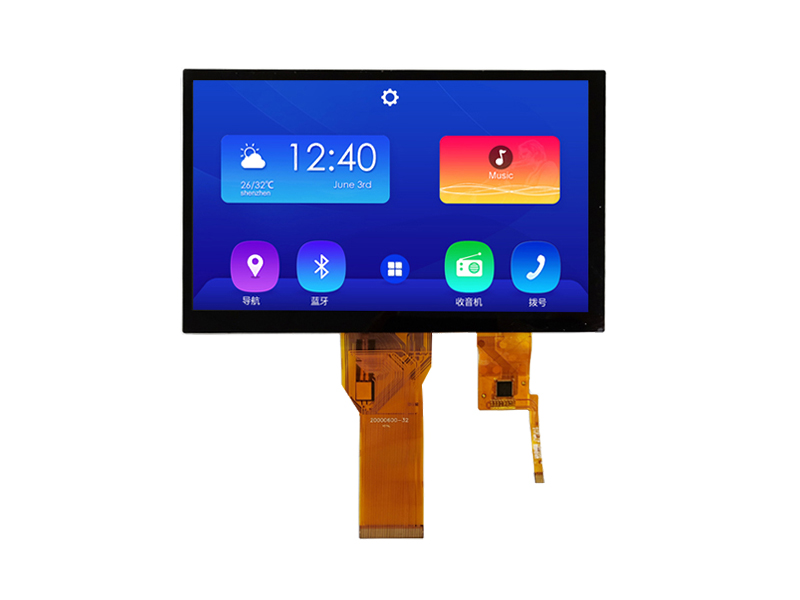
Resolution appears as a six-digit run such as 800480.
The width comes first, so 800480 is 800 by 480, and a maker may instead use a letter code such as WVGA to name the same format.
Six digits are compact and unambiguous once the order is known, which is why the convention survives. Some makers split the pair with a letter, some print four digits for a 4:3 panel, and some put only a format abbreviation on the label.
Aspect ratio is almost never a separate field. It falls out of the resolution pair: 800 by 480 is 5:3, 800 by 400 is 2:1 and 320 by 240 is 4:3. That matters when a replacement is chosen by diagonal alone, because two 7 inch panels with different ratios have different active areas. VESA display standards are the reference for the format names themselves.
A letter group in the middle usually names the bus.
R often means parallel RGB, L LVDS and M MIPI, while a numeric group beside it gives the bit depth, the lane count or the number of data channels.
The letters are not standardised, so they are a hint rather than a specification. A code family that carries R24 and R18 blocks is describing 24-bit and 18-bit parallel variants of one panel, and the two need different flex artwork even though the glass is identical.
Channel count appears in the same block when a family spans both configurations. A dual-channel LVDS part doubles the pairs, which changes the connector and the timing table, and a single-channel version of the same glass will not carry the same resolution at the same refresh rate. Where a serial link is named, the MIPI DSI specification defines what that link must satisfy.
The suffix can select a different flex, driver or bus.
A suffix identifies the assembled configuration rather than the panel alone, so the same glass can ship as a parallel part and an LVDS part with one letter between them.
That is how a drop-in assumption breaks. Two codes differing by a single letter can share glass, outline and mounting holes while differing in flex pinout, so a substitution that looks safe on the outline drawing fails at the connector. The difference is invisible in the mechanical dimensions and obvious in the pin list.
The same mechanism covers touch. A trailing letter may indicate that a capacitive overlay and its controller are bonded to the module, which adds an I2C connection and changes the flex entirely. Purchasing systems that treat the suffix as a revision are the usual route by which the wrong variant reaches production.
A revision fixes a change; a variant selects a build option.
A revision keeps the function and records a process or material change, while a variant adds or removes a feature and therefore changes what the part does.
Revisions are documented. A datasheet carries a revision history that lists what changed between letters, and a process change notice records the date and the affected range. A revision letter therefore tells you the part is still the same design, refined, which is why a substitution within a revision is usually safe.
Variants are not documented that way. They appear as separate line items, each with its own specification, and the suffix is the only difference on the label. When a code ends in a letter and no revision history mentions it, the safer reading is variant. The document library is the place to look for the history before drawing a conclusion.
A model code is positional only within its own family. Reading it as a fixed template across makers produces confident mistakes, because the same position can hold a size at one company and a series number at another.
| Region | Typical content | Varies by family | Misread risk |
|---|---|---|---|
| Leading letters | Maker and family | 2 to 4 characters | Panel from another family |
| Three-digit group | Diagonal in tenths | 2 or 4 digits elsewhere | Size off by a factor of ten |
| Six digits or letters | Resolution or format | Sometimes omitted | Wrong aspect ratio assumed |
| Mid-code letters | Interface and depth | Letters differ by maker | Bus mismatch on the board |
| Trailing digit | Revision or variant | Either role | Obsolete revision ordered |
| Suffix block | Touch, brightness, grade | May be absent | Overlay missing from the build |
Read the code one region at a time and write the reading down. A decoded line such as 7.0 inch, 800x480, 24-bit parallel, capacitive touch, revision C is auditable; a copied part number is not.
Every maker assigns codes independently, so digits collide.
A 070 block is a diagonal at one company and a series number at another, and a four-digit group that looks like a date can be a resolution code.
Codes are not registered in a shared scheme, and there is no authority that allocates them. Only the manufacturer identification behind a logo follows a common register, which is why two panels from different companies can share a model string and describe completely different parts.
The practical rule is to normalise before comparing. Convert every candidate to diagonal, resolution, interface, touch option and pin count, then compare those five fields rather than the codes. JEDEC maintains a manufacturer identification code register that helps attribute a logo, but it does not make model numbers portable between makers.
A photograph is often the only evidence available when a legacy product is opened for the first time. Labels are small, printed at low contrast and sometimes placed on the flex rather than the glass, so two or three angles with the light raking across the surface recover more than one straight-on frame.
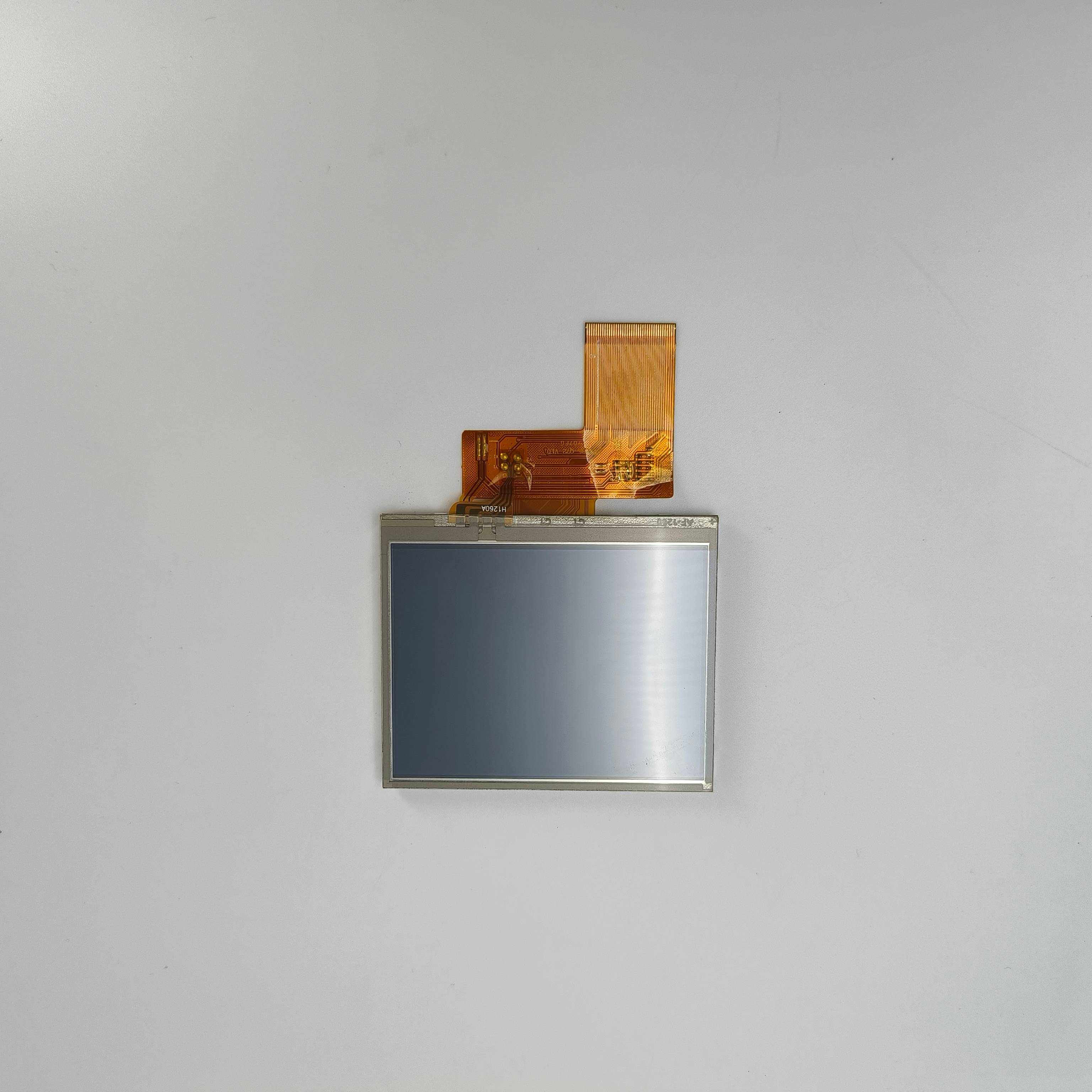
Photograph the connector as well, because pin count and pitch are the fastest way to reject a candidate later. Labelling conventions on the assembly side are covered by IPC standards.
Pin list, flex drawing, timing table and revision history.
Those four documents decide whether a candidate is a true replacement, and none of them is visible in a model code or a product photograph.
Ask for the documents rather than the answer. A pin list settles the connector and the bus; a flex drawing settles the tail exit, length and fold; a timing table settles whether the existing firmware drives it; and a revision history settles whether the part you receive is the one that was qualified.
Where the original family is discontinued, the same four documents are what a second source has to match, which is the core of the custom sourcing brief. The panel technology guide explains which parameters are fixed by the glass and which vary with the module build. A management system matters too, and ISO 9001 registration is the usual baseline.
Decoding a code from a photograph is quick; confirming a replacement takes the four documents above. CDTech can read a label against its family tables and set out what still has to be verified on your side. Write to [email protected] or use the contact page to send the image and measurements.
Does a suffix letter change the interface?
It can. A suffix usually identifies the assembled configuration, and that configuration includes the flex and the driver, so one letter can separate a parallel RGB build from an LVDS build of the same glass. It can also mark a touch option, a brightness grade or a temperature range. The only reliable way to know is the pin list or the flex drawing for that exact code. Treating the suffix as a cosmetic revision is how the wrong variant reaches a production line.
How do I find a datasheet from a model number?
Start with the family table rather than a search for the exact string, because makers publish one document covering several sizes and the exact code may appear only as a row. Send the full label string, including the suffix, plus the diagonal and the pin count to the supplier or the original maker. If the family is discontinued, the same table is what a second source needs in order to propose a match, so photograph the label and the connector before making contact.
What does a revision code tell me?
A revision records a change inside the same design, such as a material substitution, a driver update or a process correction, and the function stays the same. Datasheets list those changes in a revision history with dates. A revision is therefore usually safe to accept in place of an earlier one, provided the history does not mention a change to the interface, the timing or the pin assignment. A change of that kind should have produced a new variant code, not a revision letter.
Are part numbers unique across manufacturers?
No. Model codes are assigned independently, with no central register, so the same string can describe two unrelated panels from two companies. Only the manufacturer identification behind a logo follows a common scheme. Compare candidates on diagonal, resolution, interface, touch option and pin count rather than on the code itself. A code that matches a part you already use, from a different maker, tells you almost nothing until those five fields also agree.
By continuing to use the site you agree to our privacy policy Terms and Conditions.