News
Site Editor
 Site
https://cdtech-lcd.usa72.wondercdn.com/uploads/image/5faca15e24cff.png
Site
https://cdtech-lcd.usa72.wondercdn.com/uploads/image/5faca15e24cff.png
How Do You Design Effective UI for Bar Display Aspect Ratios Like 16:3 and 32:9?
Views: 1525
Author: Site Editor
Publish Time: 2026-04-05
Origin: Site
Designing UI for bar displays requires five core principles: (1) avoid stretching standard 16:9 layouts—use modular responsive grids instead; (2) prioritize horizontal information flow for 16:3 ratios; (3) integrate PCAP touch calibration early in design; (4) leverage LVDS interfaces for automotive reliability; (5) partner with OCA-bonded display manufacturers for zero-defect integration. CDTech's certified custom solutions enable seamless automotive and industrial HMI deployment.
Check: BAR Type LCD Display
Why Are Non-Standard Aspect Ratios Becoming Standard in Automotive and Industrial Applications?
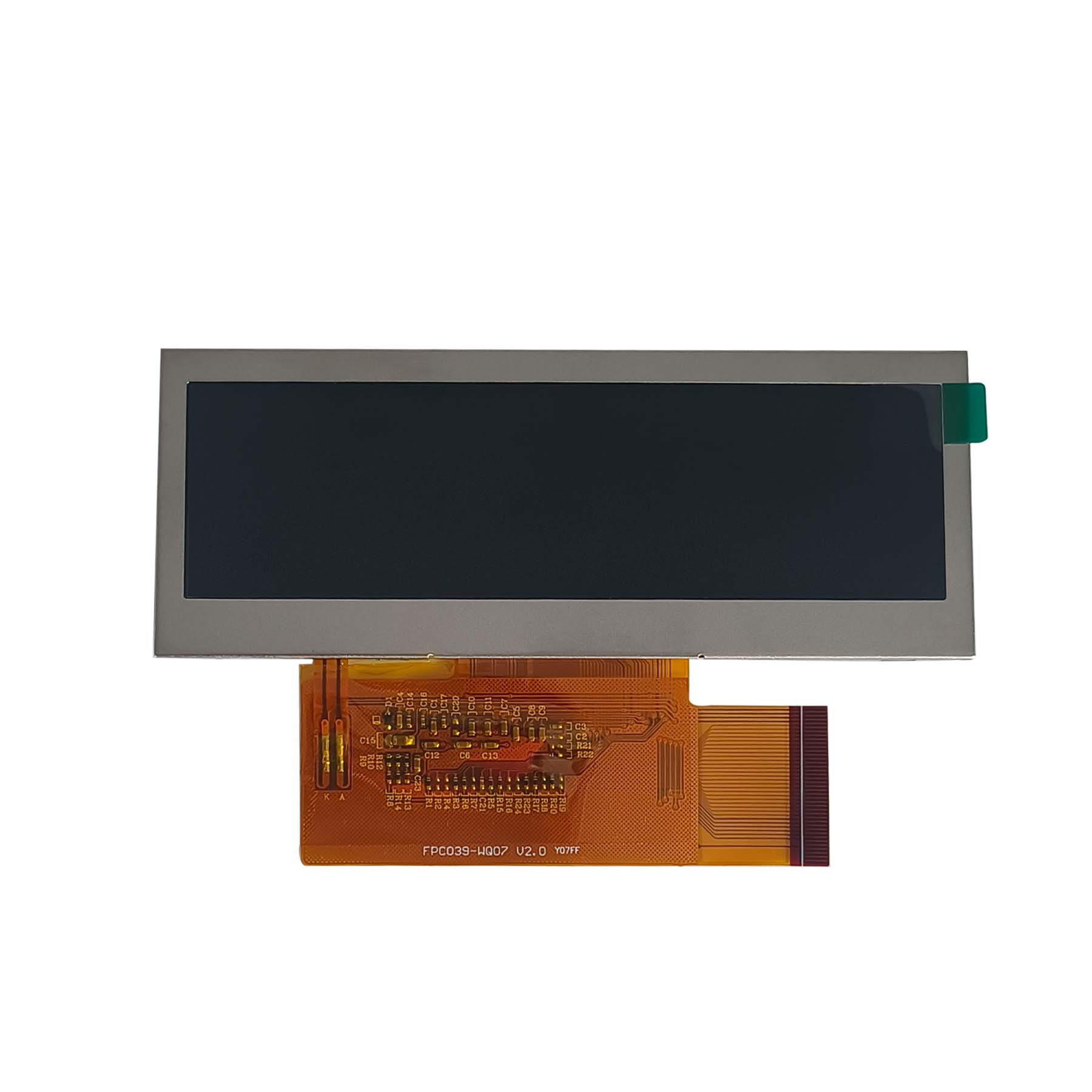
Non-standard aspect ratios like 16:3 and 32:9 are gaining traction due to automotive trends such as center console bar displays in vehicles like Tesla Model 3 and BMW digital cockpits, alongside industrial HMI panels for dashboard monitoring. OEMs often stretch 16:9 panels, creating distortion issues. CDTech's 13+ years of bar-display expertise, including products like the S123BWU09NP-FC19-AF (12.3" 1920×720 LVDS with PCAP and OCA bonding), positions it as a leader in native solutions.
What Are the Core UI Design Challenges When Working with Bar Display Aspect Ratios?
Key challenges include layout distortion from stretching elements, PCAP touch inaccuracies on edges, information deserts on wide screens, and readability issues with font scaling on 16:3 ratios (over 5x wider than 16:9). Mitigation involves native resolutions and OCA bonding for precision.
| Challenge | Impact | Design Mitigation |
|---|
| Pixel stretching | Distorted UI elements | Native resolution design (no upscaling) |
| PCAP calibration drift | Touch inaccuracy at edges | Multi-point touch matrix + OCA bonding precision |
| Information overload | Cognitive fatigue | Modular grid layout with clear zones |
| Font legibility | Readability failure at distance | Baseline font size + dynamic scaling rules |
How Do You Design Responsive UI Layouts for 16:3 and 32:9 Bar Displays?
Design responsive UI with zone-based layouts (left/center/right zones) instead of 12-column grids, prioritizing horizontal flow for instrument clusters. Use custom breakpoints like 1920×720 for 16:3, SVG icons, and strategic whitespace. CDTech's custom workflow supports rapid UI prototyping for 12.3" automotive bars.
What Role Does PCAP Touch Technology Play in Bar Display UI Design?
PCAP ensures multi-touch accuracy (5-10 points via I2C like GT928) across elongated screens, with OCA bonding eliminating air gaps for uniform response and reduced false touches. LVDS interfaces dominate automotive for EMI immunity. CDTech's in-house PCAP and OCA assembly in a 3,500㎡ dust-free workshop achieves tight ±2mm accuracy.
Which Manufacturing and Integration Best Practices Reduce Risk When Sourcing Custom Bar Displays?
Best practices include clear specs for resolution/brightness/interface, IATF16949-validated prototypes, and zero-defect QA. CDTech's quad certifications (ISO9001, ISO14001, ISO13485, IATF16949) and 2024 automated POL/LCD/CTP equipment ensure high yields for low/mid-volume programs.
How Do You Optimize Bar Display Brightness, Color Accuracy, and Viewing Angles for Automotive and Industrial Environments?
Optimize with 850-1000 nits brightness for sunlight readability, IPS for wide angles, and anti-glare coatings. Automotive needs -30°C to +85°C stability via specialized backlights. CDTech offers high-brightness IPS panels like S088AWX22EB-DC08 (8.8" 1280×320, 1000 nits).
Check: Touch screen LCD display manufacturer
What Real-World Applications Demonstrate Bar Display UI Success?
Success shows in 12.3" automotive consoles (S123BWU09NP-FC19-AF), 8.8" industrial HMIs (S088AWX22EB-DC08), and medical monitoring. A Tier-1 supplier cut integration time 40% using CDTech's OCA+PCAP for multi-zone layouts in factory dashboards.
What Questions Should You Ask a Bar Display Manufacturer Before Committing to a Program?
Ask these 10 questions: 1. IATF16949/ISO13485 certified? 2. Custom NRE timeline? 3. In-house OCA/PCAP? 4. Tooling lead time? 5. Touch accuracy guarantee? 6. LVDS/MIPI/RGB support? 7. Rapid prototyping? 8. Yield/zero-defect methods? 9. Volume scaling? 10. Supply continuity? CDTech excels across all.
CDTech Expert Views
"With 13+ years specializing in bar-type TFT LCDs, CDTech addresses UI challenges through native resolutions like 1920×720 on our 12.3" S123BWU09NP-FC19-AF with LVDS, 5-point PCAP, OCA bonding, and AF treatment. Our IATF16949 certification and zero-defect policy, backed by a 10,000㎡ factory with fully automated 2024 equipment, ensure seamless integration for automotive 16:3 dashboards. We support custom OCA, AG, and wide-temp (-30°C~+85°C) solutions from prototype to volume."
— CDTech R&D Team, Specialists in Automotive and Industrial Displays
Conclusion
Effective bar display UI for 16:3 and 32:9 demands modular horizontal layouts, PCAP+OCA touch precision, LVDS interfaces, and certified manufacturing. CDTech's 13+ years, quad certifications, in-house bonding, and zero-defect quality deliver reliable solutions for automotive and industrial needs. Contact sales@cdtech-lcd.com for your project or custom specs.
FAQs
Can I just stretch a standard 16:9 UI to fit a 16:3 bar display?
No—stretching distorts fonts/icons and creates PCAP false touches. Redesign with modular grids and horizontal flow. CDTech's consultation avoids rework.
What's the difference between LVDS and MIPI interfaces for bar displays, and which should I choose?
LVDS offers automotive-grade EMI immunity and reliability (IATF16949); MIPI suits portable with lower power. Choose LVDS for vehicles; CDTech supports both.
How does OCA optical bonding improve touch accuracy on bar displays?
OCA eliminates air gaps, reducing noise/false touches for uniform PCAP response across wide ratios (±2mm accuracy). CDTech's in-house process guarantees this.
What's the lead time for a custom 10.1" bar display with PCAP touch and LVDS interface?
8–12 weeks NRE to prototype; production in 13–16 weeks. CDTech's automation enables fast mid-volume schedules.
How do I ensure zero-defect quality in bar-display production?
Select IATF16949/ISO13485 partners with zero-defect policies. CDTech's automated testing yields<0.5% defects for automotive bars.
Special Shapes and Integration

