Copyright © 2020-2021 Shenzhen CDTech Electronics LTD. All rights reserved. Site Map Powered by iwonder.cn

display / touch / bonding solutions
display / touch / bonding solutions
A 1920x720 panel is a common bar-format choice for kiosks, signage and instrument clusters, and it breaks assumptions a 16:9 panel never tests. Density, letterboxing and cutout geometry are all computed from a screen shape the framework does not expect.
This guide follows an android panel integration from the device tree mode to a launcher that fills the panel, for BSP engineers bringing up a non-standard display.
Framework defaults assume roughly 16:9, not 8:3.
At 1920x720 the width is 2.67 times the height, so a density chosen for 16:9 leaves the layout stretched or letterboxed on that panel.
A 1920x1080 panel at 15.6 inch is 141 dpi; a 1920x720 panel at 6.5 inch is 316 dpi. Both are 1920 pixels wide, so one global density value gives text at half the intended physical size on the second. Android takes the smallest width from the short edge: 720 px at 316 dpi is 364 dp, in the sw360dp bucket, so tablet layouts never activate and phone layouts run 972 dp wide. That mismatch is why a phone build and a bar build cannot share one density property. The bar-type LCD display range covers the formats that produce this geometry.
Density equals diagonal pixels divided by diagonal inches.
Round the result, then check the smallest-width bucket, because a few dpi can move a layout between the resource qualifiers that carry its layout files.
For 1920x720: 1920 squared plus 720 squared is 4,204,800, the root is 2,050.6 px, and over 6.5 inch that is 315.5 dpi, rounded to 316. Android divides by 160, so the scale is 1.975 and the panel is 972 by 364.5 dp. A 7.0 inch 280x1424 bar is 207 dpi with a 1.29 scale and a 217 dp short edge. After rounding, check the bucket: 360 dp sits on sw360dp, while 356 dp falls to sw320dp. The formula is the same for any format; only the two edge lengths change.
In the composer's reported DPI and in vendor properties.
The framework prefers the reported DPI, but a global density property or a product overlay can replace it silently before the first frame is composed.
The hardware composer reports DPI_X and DPI_Y, the display manager turns them into a DisplayInfo, and window manager publishes DisplayMetrics to apps. Three things can still win: a global density property in the product, a device overlay that changes framework resources, and a vendor display configuration file that pins a DPI for a connector. The failure is silent, because wm density can report one value while the layout uses another. Audit all three against dumpsys display and the product makefile, and remember that the last writer in the boot sequence wins.
The app's declared maximum aspect ratio, usually 1.86.
Apps targeting old API levels are capped at 1.86, so a 2.67 panel is padded rather than stretched unless the manifest opts in.
Above API 26, android:maxAspectRatio declares the widest ratio an app supports; below that target the platform applies a 1.86 cap. On a 720-high panel the cap allows 720 times 1.86, or 1,339 px, leaving 290 px of black each side of 1920. resizeableActivity plus a maxAspectRatio of 2.67 removes the pillars, which for a kiosk app is a build change rather than a platform one. For a prebuilt app the pillars are usually the cheaper outcome. The bar-stretched display guide covers the geometry behind the cap.
A cutout path, a status bar height and corner insets.
Without an overlay the framework reserves a phone-shaped status bar and misses the camera hole or corner geometry that a physical bar panel actually has.
AOSP describes geometry with config_mainBuiltInDisplayCutout, a path string plus a rectangle approximation for inset maths. Bar panels rarely have a phone notch, but they do have a camera hole, rounded corners or an active area inset from the bezel. Status bar height comes from config_statusBarHeight, a dp value: 24 dp at 316 dpi is 47 px, 6.5 percent of a 720 px height. Both sit in a device overlay and must be built into the image, and dumpsys window displays shows what was applied.
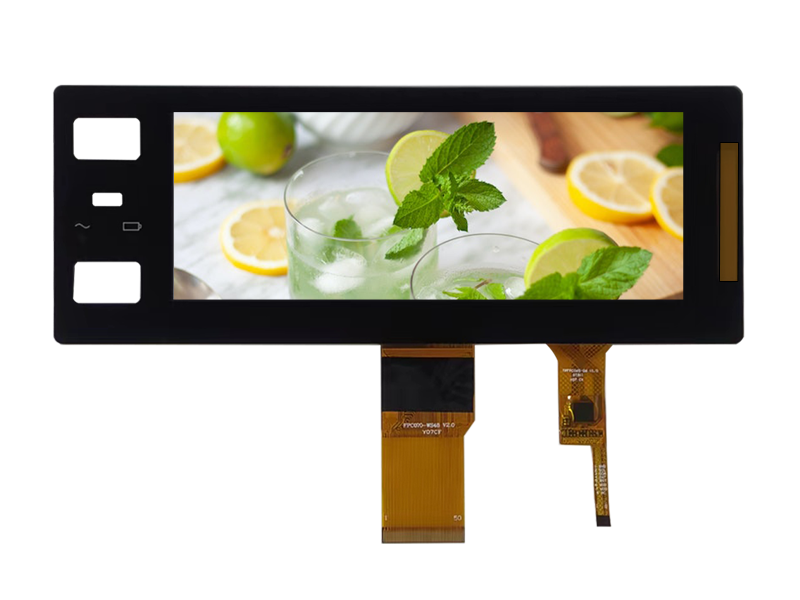
Internal panels use the device tree; external use EDID.
A DSI panel has no display data channel, so its mode and DPI come from the panel node, while HDMI and DisplayPort read EDID blocks instead.
An internal panel has no display data channel, so the kernel driver registers a fixed mode from the panel node and the composer reports the geometry, with clock, active size and porches in the binding the SoC expects. HDMI and DisplayPort read EDID instead, and the framework prefers those modes over any fallback. A mismatch on an internal connector points at the device tree; on HDMI, read the EDID first. The connector name in the display dump is the first value to check. The MIPI DSI specification defines the internal link, and VESA publishes the EDID structure.
AOSP exposes every display through the display manager, but the default display keeps the launcher, status bar and navigation bar; the new panel gets only what an app draws on it. The safe pattern is an activity launched with Presentation, which renders into a target Display without touching the primary window. Mirroring rarely suits a bar panel because the aspect ratios differ.
Density is per display, so a global override is the usual reason a secondary panel looks wrong. Decide before integration whether the second panel is a presentation surface or an independent launcher display, because that changes the activity configuration and the focus policy. Bonding and stack assembly tolerances follow IPC workmanship practice.
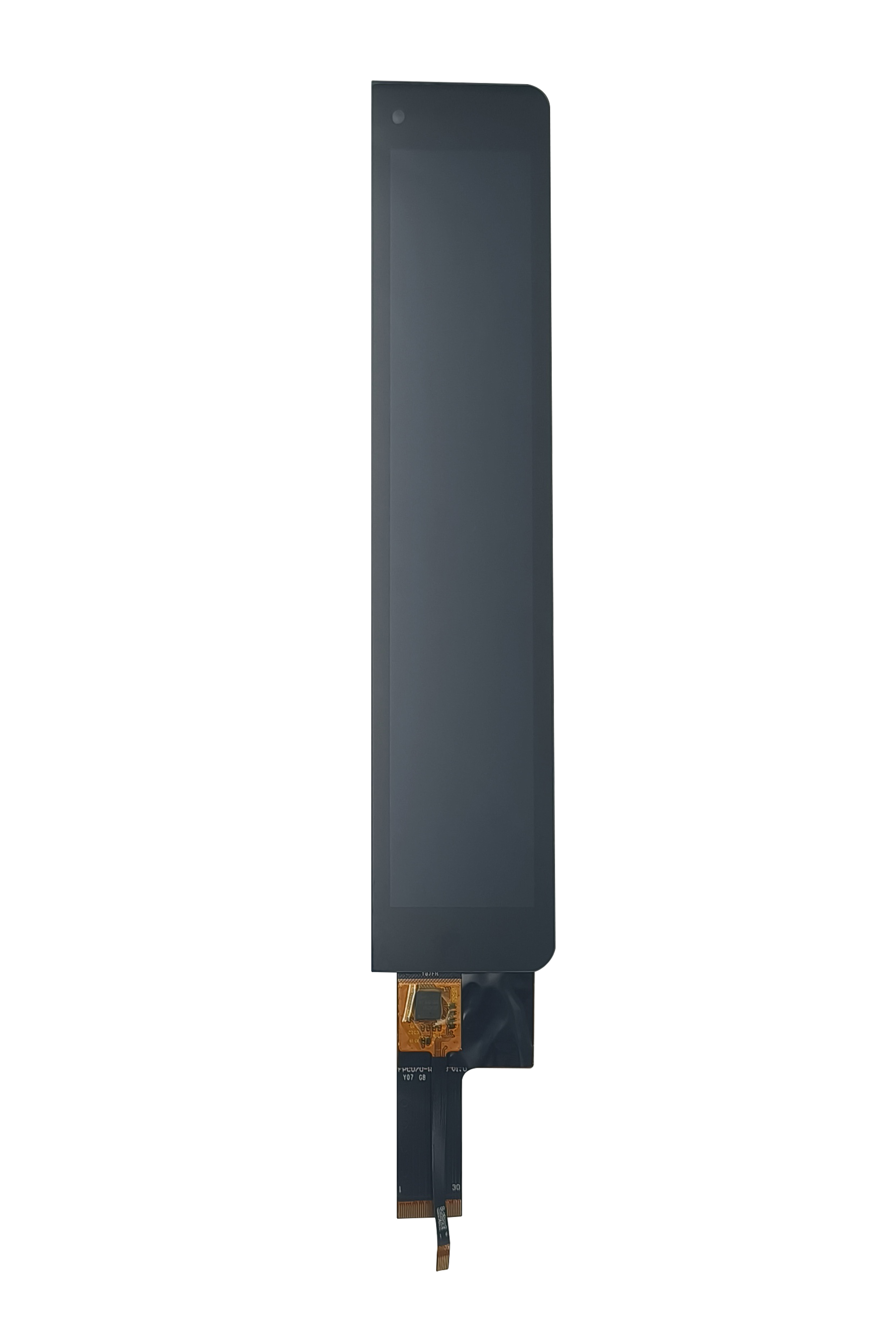
The damage from a wrong density is physical rather than visual. Android specifies a 48 dp minimum touch target, and dp converts through the density scale. At 316 dpi, 48 dp is 95 px, about 7.6 mm on a 6.5 inch 1920x720 panel. A 160 dpi override makes it 48 px, or 3.9 mm, and a keypad that passed on a phone becomes hard to hit on a kiosk.
Text follows the same rule: a 14 sp label is 28 px at 316 dpi and 14 px at 160. A density set too high inflates every view instead, and a fixed 364 dp height runs out of room after two rows. Measure on the panel with wm density and a ruler rather than in the emulator, and use the legibility vocabulary published by the Society for Information Display.
Behaviour changes across API levels, and a bar panel is exactly where the differences show. The table covers the settings that decide whether an app fills the panel, from the manifest flags of Android 8.0 to the window metrics of Android 11.
| API level | Setting or behaviour | What to check on 1920x720 |
|---|---|---|
| 26 (8.0) | maxAspectRatio and resizeableActivity | App declares 2.67 and shows no pillars |
| 28 (9) | Display cutout mode | Content reaches the camera end of the bar |
| 29 (10) | Gesture navigation insets | Bottom inset leaves a usable 364 dp height |
| 30 (11) | WindowMetrics bounds | Bounds match 1920x720 minus insets |
| 31 (12) | Splash screen and rounded corners | Launch screen fills the bar without bars |
These are checkpoints rather than cumulative features: an app that passes on API 26 can still letterbox on API 31 if its theme pins the window to 16:9. Verification is cheap. dumpsys window displays prints frames and insets, wm size and wm density show overrides, and a screenshot at each level catches the pillar width. Automate the comparison, because a 290 px pillar is obvious to a script and easy to miss by eye.
Bring-up runs from the kernel upward, and each layer has one check that proves it before the next starts. Skipping a layer moves the symptom somewhere harder to read: a wrong mode shows up as a scaled launcher, a wrong density as a cut-off button.
The order matters less than the evidence. Each step leaves a value to compare with the panel drawing, and the first mismatch is the layer to fix. The interfaces and controllers guide covers the link side, and IEC test methods are the usual basis for the EMC checks that follow.
A bar panel brings different numbers to the same integration problems. CDTech can supply the module drawing, timing table and DPI figure for a candidate bar display so the device tree and density overlay come from one source. Write to [email protected] or use the contact page to request them.
How is panel density set in AOSP?
For an internal panel, density normally comes from the DPI_X and DPI_Y attributes the hardware composer reports, which the display manager turns into a DisplayInfo and the window manager converts to DisplayMetrics. A global density property can override it on some builds, and a vendor display configuration file can pin it for a connector. The reliable approach is to compute the DPI from the panel diagonal, confirm the composer reports that value, and treat any property override as a deliberate exception that needs a comment in the product makefile.
Why does Android letterbox a bar display?
Letterboxing comes from the app's declared maximum aspect ratio, not from the display. An app that targets an older API level is capped at 1.86 by default, so on a 2.67 display the framework pads the extra width rather than stretching the layout. Declaring android:maxAspectRatio at 2.67 or above, with resizeableActivity enabled, lets the app fill the panel. Apps that cannot be rebuilt must be handled with a compatibility override or accepted with pillars.
Does Android read panel EDID?
Only on connectors that carry a display data channel. HDMI and DisplayPort read EDID and prefer the modes it advertises, which is why a bar-format monitor with a correct block needs no device tree entry. An internal DSI panel has no such channel, so its mode and geometry come from the kernel panel node and the composer. The connector type in dumpsys display tells you which path is in use, and that decides whether a wrong mode is an EDID problem or a device tree problem.
How is multi-display handled in AOSP?
The display manager exposes every connected display, and each one carries its own mode, density and insets. The default display keeps the launcher, status bar and navigation bar; a secondary panel receives only what an app draws on it, typically through the Presentation API or a dedicated activity launched on that display. Mirroring is possible but rarely suits a bar panel because the aspect ratios differ. Density is per display, so a global property override is the usual cause of a secondary panel rendering at the wrong scale.
By continuing to use the site you agree to our privacy policy Terms and Conditions.